
Scalar Link
Up to 100 participants
Perfect for small group sessions or 1-on-1 meetings.
- Non-Secure / Hour
- Rs. 50
- Secure / Hour
- Rs. 60
- Payment / Hour
- Rs. 90
Link On Demand
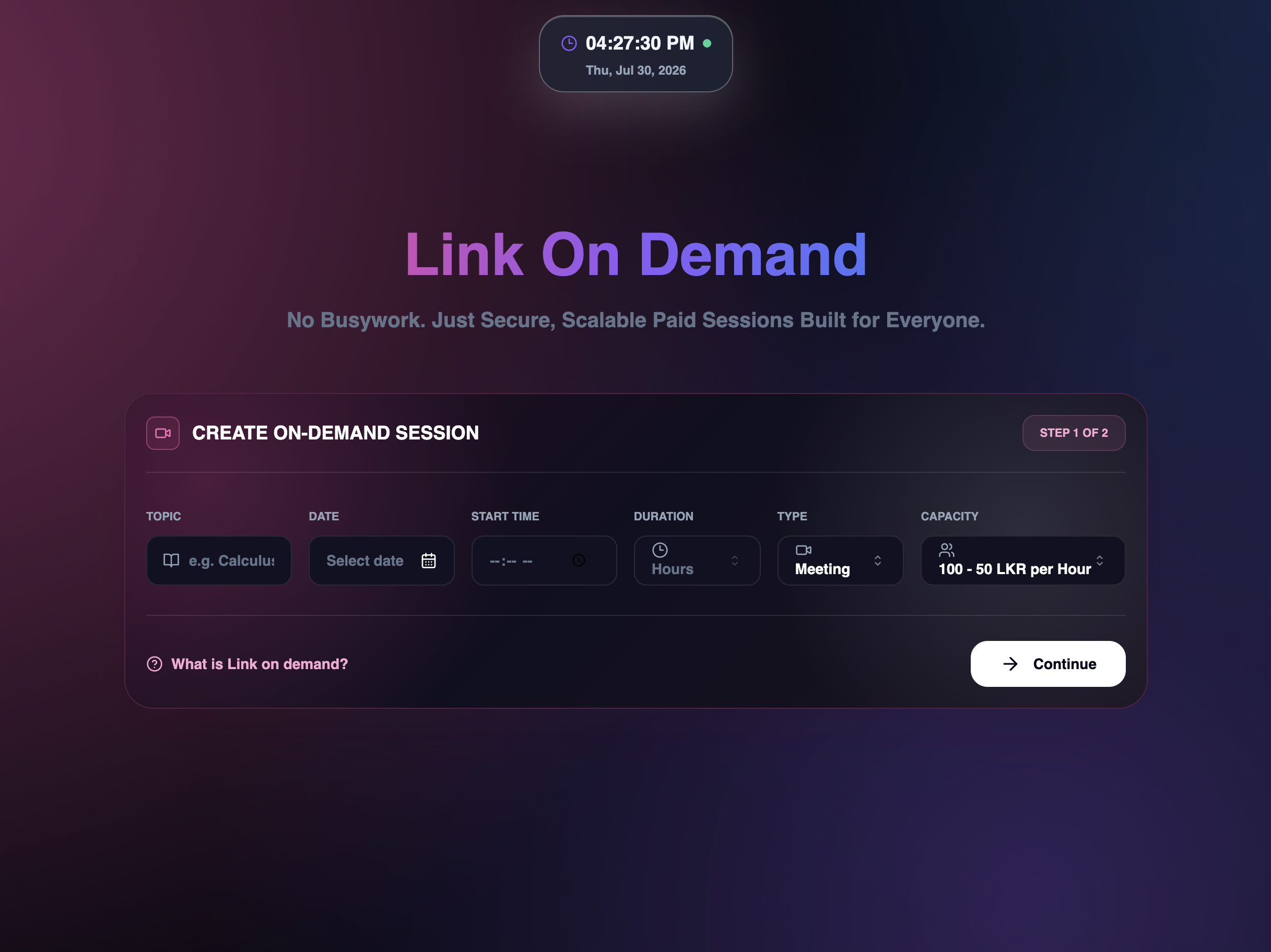
Link on Demand is a stand-alone feature that enables you to buy a premium Zoom link for a small fee by paying based on the number of hours and participants.
Up to 100 participants
Perfect for small group sessions or 1-on-1 meetings.
Up to 300 participants
Ideal for classroom sessions and small webinars.
Up to 500 participants
Suited for large interactive sessions and workshops.
Up to 1000 participants
Built for high-capacity events and webinars.
A regular Zoom meeting
A more professional meeting
A regular Zoom meeting
Anyone with the link can join the meeting or its waiting room, depending on the settings you choose.
Unique access codes
Generate a unique access code for every participant. Each attendee must enter their code before joining.
Take payment for sessions
Add an entry payment to your session. Participants receive the access code required to join only after payment.
If you are not a frequent Zoom user, buying a monthly Zoom package may be more expensive than you need.
When you only need a premium Zoom meeting once in a while, LOD lets you pay for that session alone.
Keep your session moving when your existing premium account has an expired subscription or another temporary issue.
Although LOD is implemented in the Champs Chaps ELMS, you can also use it as a stand-alone feature. Enter the session name, date and time, participant count, session type, and duration.
Sign in with your phone number and password so you can keep track of the meeting you purchased and use the additional LOD features.
Depending on what you entered, you can pay the amount for the link via an online payment, by depositing money into a bank account, or through JustPay.