
Add Courses/Classes

Add Courses and Classes to represent each class or course. Configure its name, image, description, payment plans, and educators while managing content independently.
The Champs Chaps ELMS
Everything you need to take your educational operation to the next level, in one place. Manage courses, students, classes, payments, communication, and business analytics with ease, keeping your business at its highest potential.
Add Courses and Classes to represent each class or course. Configure its name, image, description, payment plans, and educators while managing content independently.
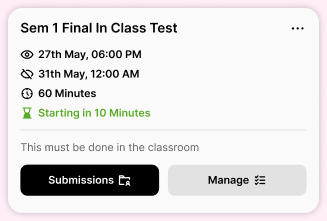
Create and conduct exams directly within ELMS with customizable time limits and availability periods. Add multiple-choice, essay, and file-upload questions, then provide explanations and feedback.
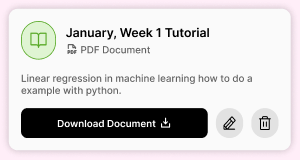
Share any files you want with your students as downloadable tutorials inside their LMS.
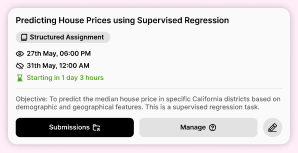
Add assignments with a deadline and visible period using file uploads or step-by-step questions.
The recording player includes a floating, moving watermark displaying the student’s name and phone number to discourage unauthorized screen recording and content sharing.
Every time a student clicks the “Watch Recording” button, it generates a new one-time-use link and opens the recording in a new tab using that link, ensuring that access through shared URLs is not possible.
When you create a new session, The ELMS will create champs chaps-branded Zoom links that go through the ELMS. Only students enrolled in the course can join, and recordings can be configured to appear automatically in ELMS after each session.
When you create a Zoom meeting inside ELMS, it creates a session tile showing its title, date, start time, assigned educators, description, and more. Afterward, the tile can show the session recording instead.
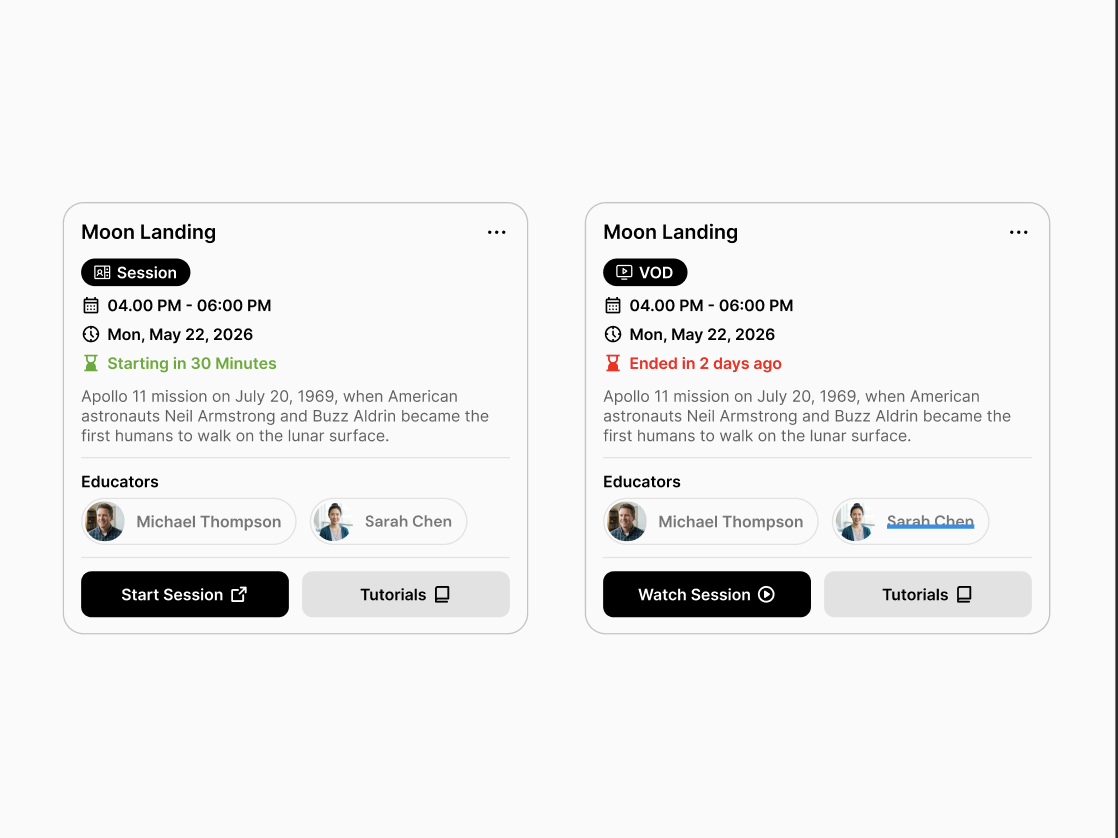
Add one or more Zoom accounts to ELMS so you can manage sessions and recordings directly from the platform.
Add videos from YouTube, Vimeo, Zoom Clips, or Google Drive as VOD sessions that students can watch during the period you specify.
ELMS generates a protected Champs Chaps link instead of a direct Zoom link. Only eligible students can enter, with safeguards against screen recording and link sharing.
Enabled Zoom recordings automatically appear in ELMS and can be made available for students according to course-payment access.
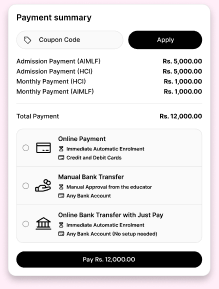 Students can pay using Visa or Mastercard through the payment gateway implemented in ELMS.
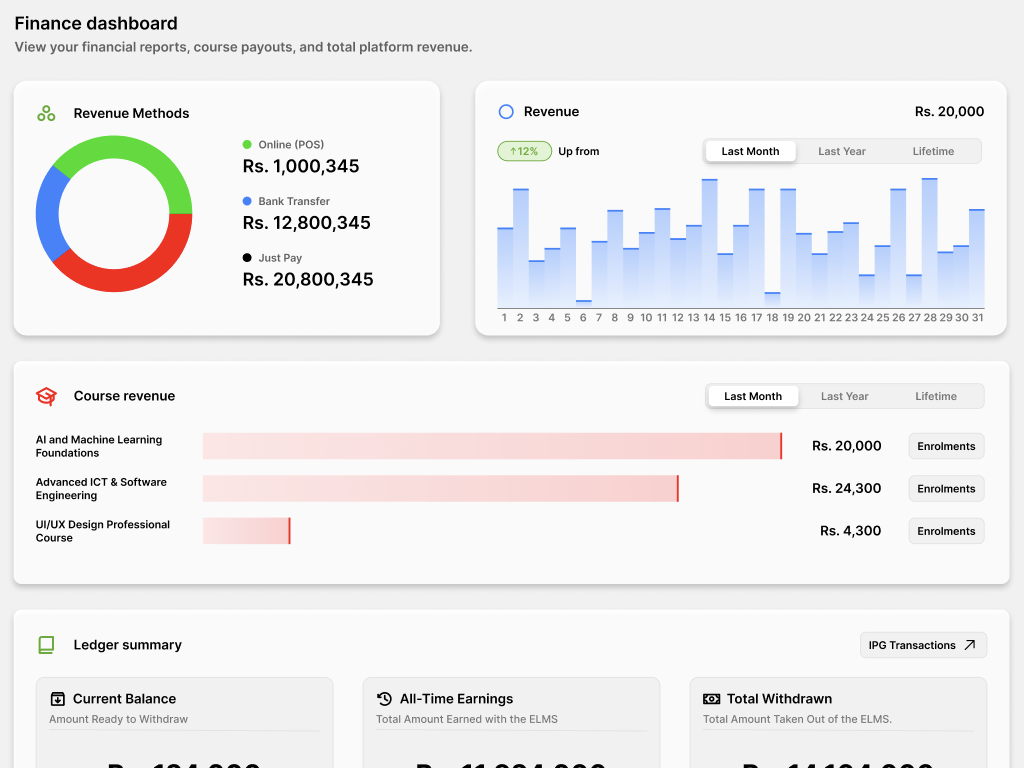
See the growth of your business and how it is performing effortlessly with the Champs Chaps Finance dashboard.
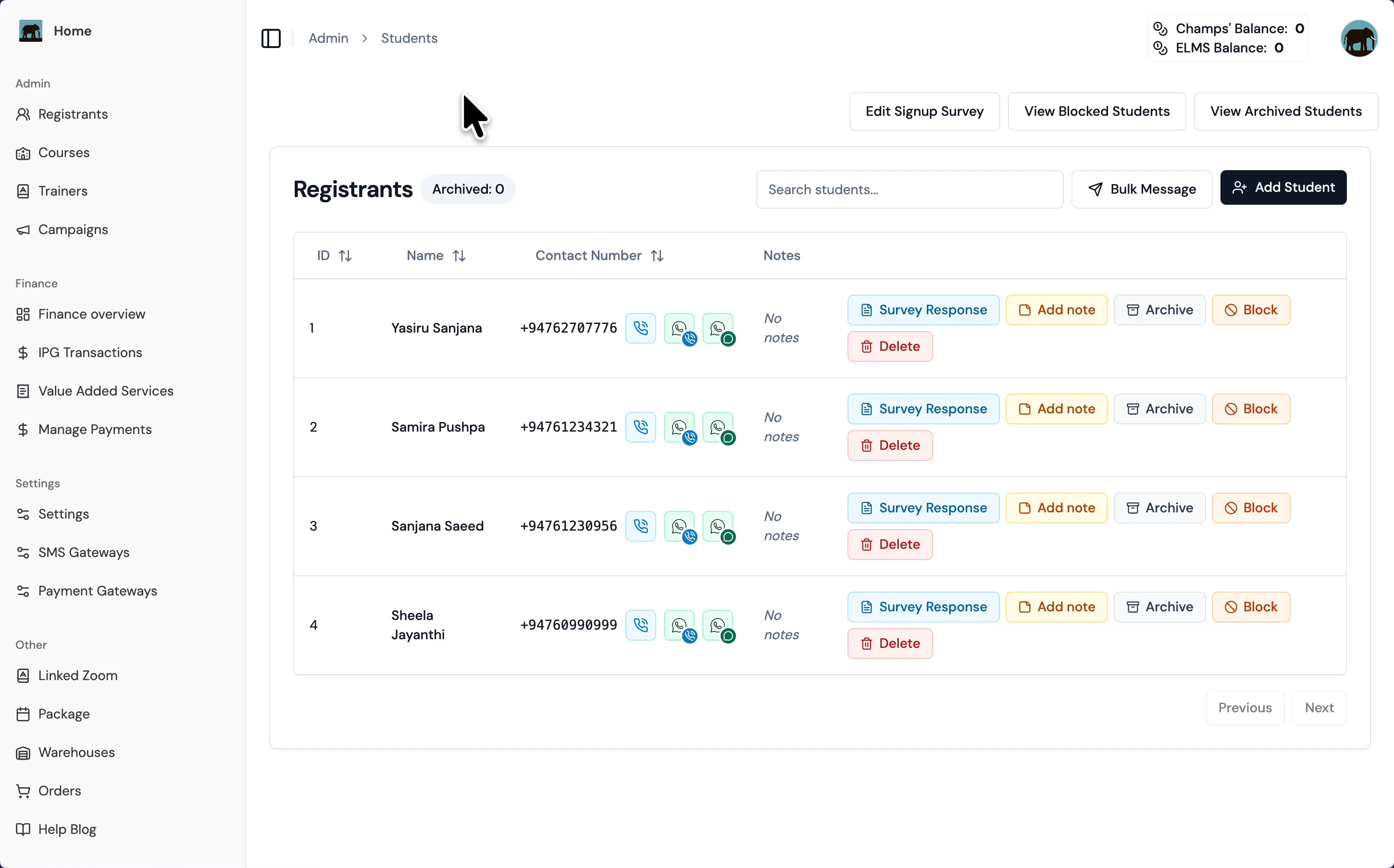
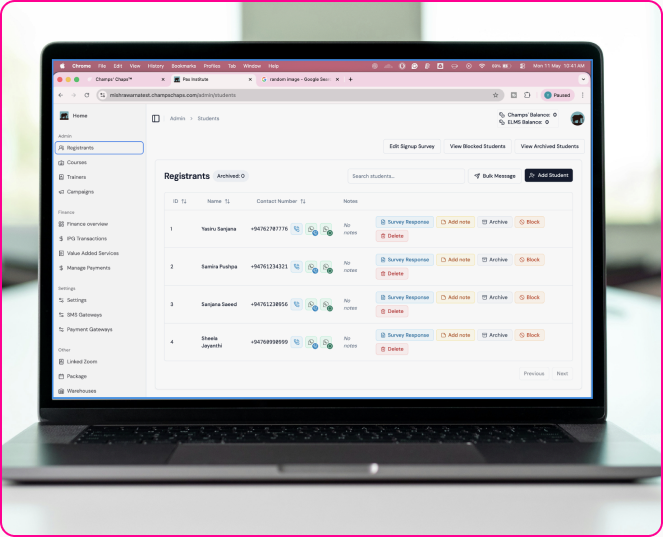
The Admin Portal manages the ELMS. Educators can edit and upload content, manage students and courses, and handle finances and payments. More admin users can be added with different access levels based on what the main ELMS admin prefers.
Students can view tutorials, join sessions, complete exams, submit assignments, pay for courses, and more.